Appearance
Multicolumn with icons
A row of short promises, each with an icon: free delivery, easy returns, secure checkout, a guarantee. Vellure places it at the top of the footer, so it closes every page, but you can also add it to any page.

Find it in the editor
In the demo, it is the first section in the Footer group at the bottom of the sidebar. To add it to a page, click Add section and choose Multicolumn with icons.

Section settings
General

| Setting | Description |
|---|---|
| Color scheme | The colors of this section. Schemes are edited in Theme settings → Colors. |
Layout
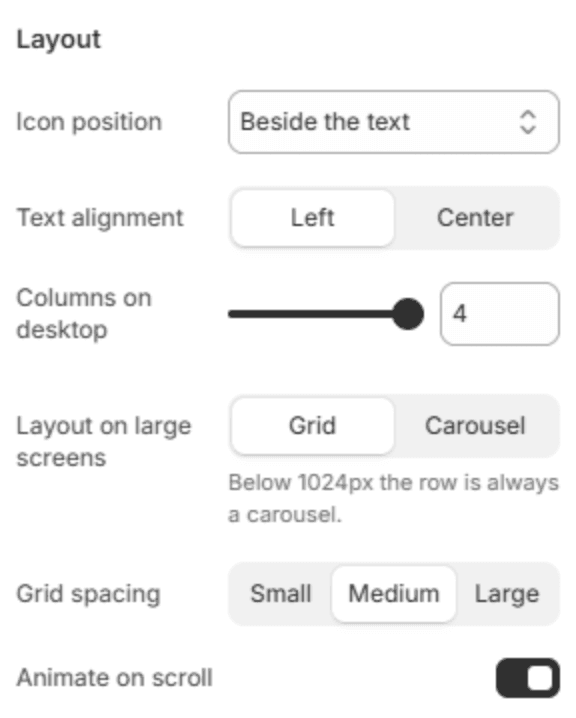
| Setting | Description |
|---|---|
| Icon position | Puts each icon Beside the text or Above the text. |
| Text alignment | Lines the text up on the Left or in the Center. |
| Columns on desktop | How many columns fit in a row on a large screen (2–4). |
| Layout on large screens | Grid shows every column at once; Carousel scrolls through them. Below 1024px the row is always a carousel, so it never squeezes. |
| Grid spacing | The space between columns: Small, Medium or Large. |
| Animate on scroll | The columns rise into place as the section scrolls into view. |
Carousel

| Setting | Description |
|---|---|
| Show arrows | Shows the previous and next arrows. |
| Show dots | Shows a row of dots under the carousel, one for each position. |
Icons

| Setting | Description |
|---|---|
| Icon size | Small, Medium or Large. |
| Icon style | Plain draws the icon alone; Outlined circle puts it in a thin circle; Soft square puts it on a soft tinted square. |
Section spacing
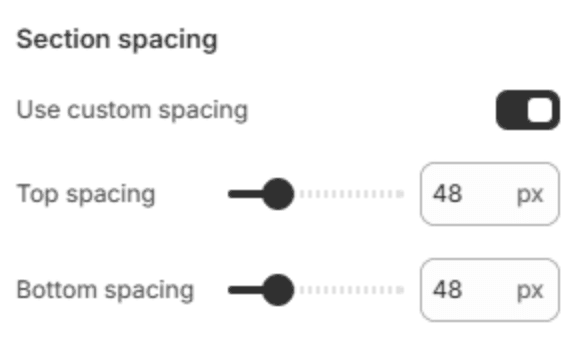
| Setting | Description |
|---|---|
| Use custom spacing | Gives this section its own top and bottom spacing. Off, it uses Section spacing from Theme settings → Layout. |
| Top spacing | Space above the section (0–200px). Phones get 60% of it and tablets 80%. Shown when Use custom spacing is on. |
| Bottom spacing | Space below the section (0–200px). Phones get 60% of it and tablets 80%. Shown when Use custom spacing is on. |
Blocks
Column
One promise. Add columns with Add Column under the section in the sidebar.
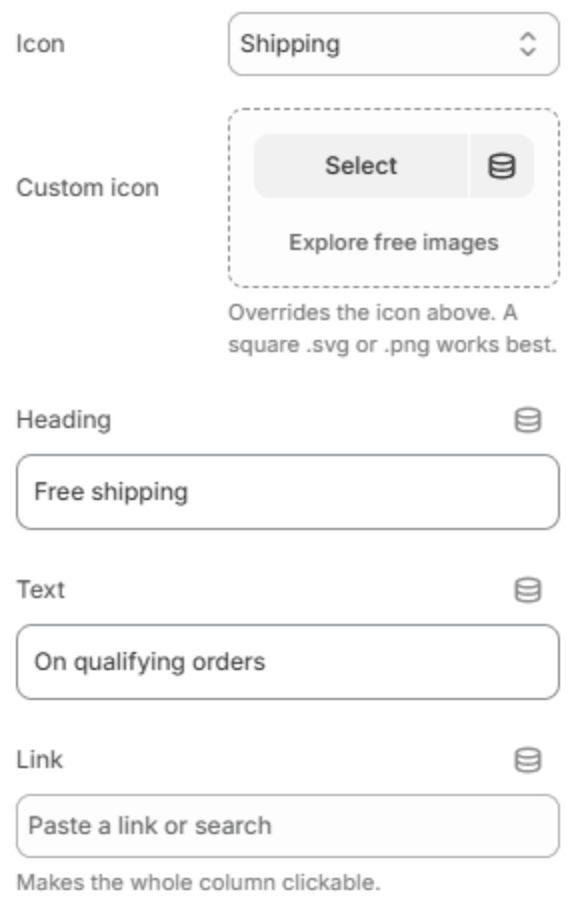
| Setting | Description |
|---|---|
| Icon | The icon, from the theme's icon set. |
| Custom icon | Your own icon in place of the one above. A square SVG or PNG works best. |
| Heading | The column's heading, for example Free shipping. |
| Text | A short line under the heading. |
| Link | Makes the whole column a link, for example to your shipping policy. |