Appearance
Password page
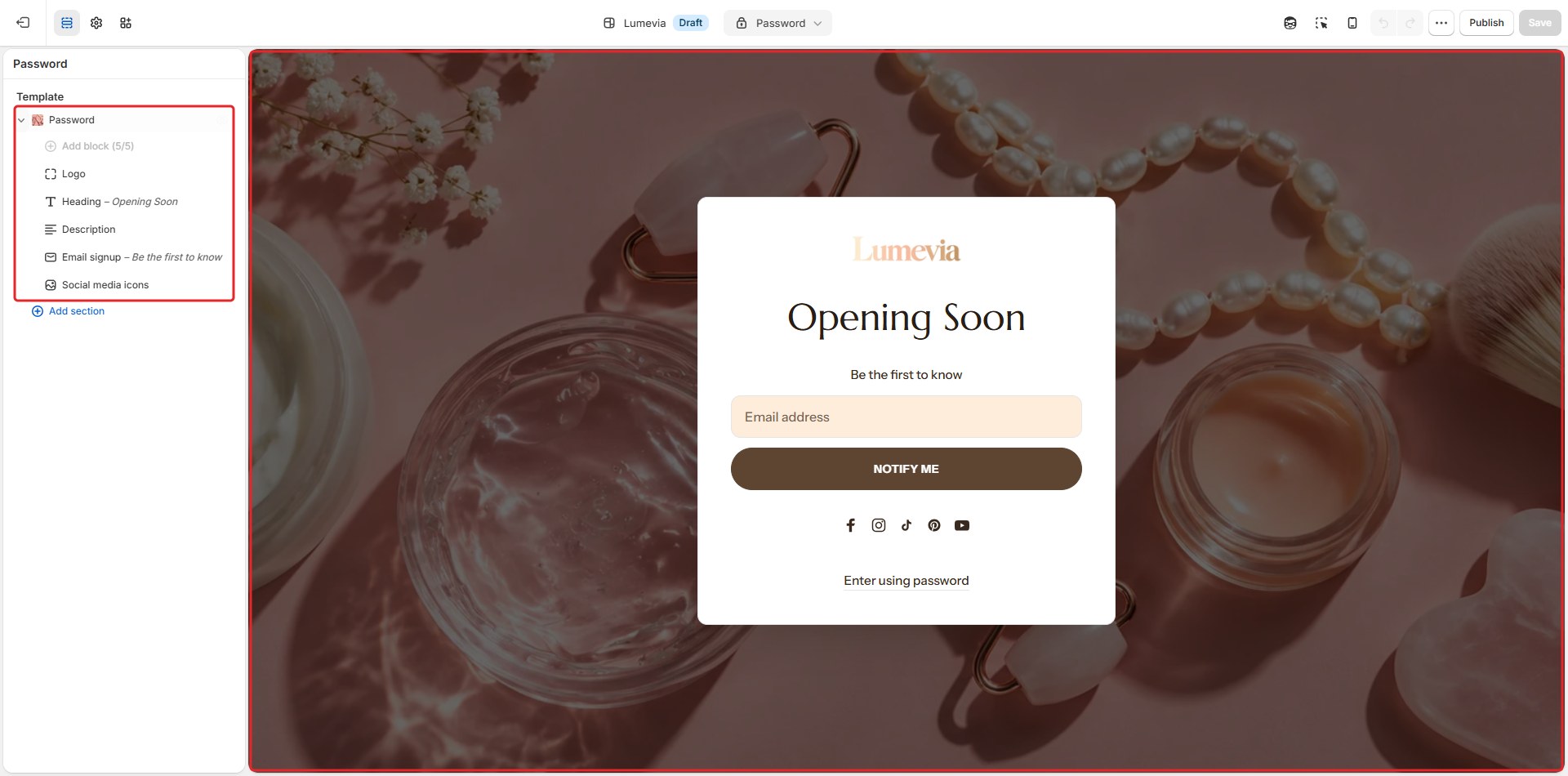
While your store is password protected, every visitor sees the password page instead of the store: your logo, a short message, an email sign-up so they hear when you open, and your social media links. A small Enter using password link opens the password field for you and anyone you share the password with.

Password protection is turned on and off in the Shopify admin under Online Store → Preferences → Password protection. To edit the page, choose Password from the page menu at the top of the editor.
Section settings
General

| Setting | Description |
|---|---|
| Color scheme | The colors of the page. Schemes are edited in Theme settings → Colors. |
Background

| Setting | Description |
|---|---|
| Image | A picture behind the page. Leave it blank to use the color scheme's background. |
| Overlay color | The color that darkens the picture. Shown when there is a picture. |
| Overlay opacity | How dark the overlay is (0–90%). Shown when there is a picture. |
Blocks
Add blocks with Add block under Password in the sidebar, and drag them into order. Each can be added once.
Logo

| Setting | Description |
|---|---|
| Image | The logo. Leave it empty to use the one from Theme settings → Logo and branding. |
| Width | How wide the logo is (60–260px). |
Heading
| Setting | Description |
|---|---|
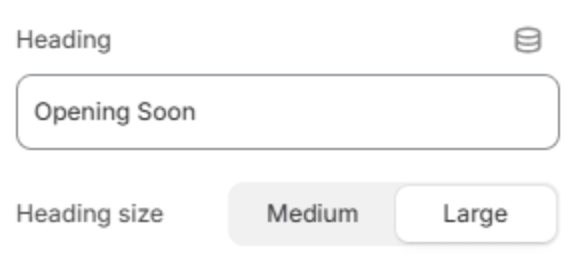
| Heading | The page's heading, for example Opening soon. |
| Heading size | Medium or Large. Shown when the heading has text. |
Description

| Setting | Description |
|---|---|
| Description | A few lines for your visitors. Leave it blank to show the message you wrote in Online Store → Preferences. |
Email signup
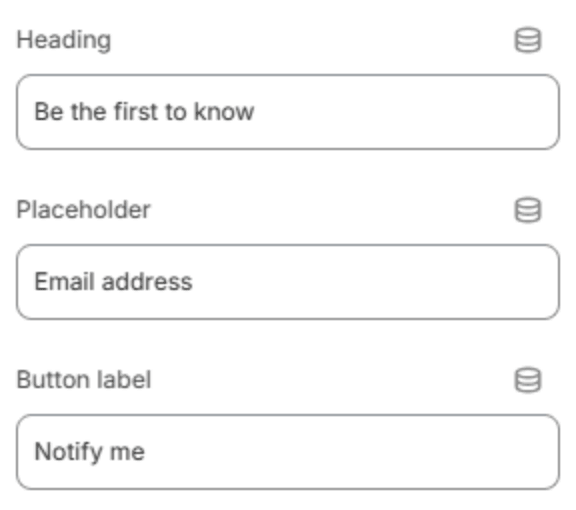
Visitors who sign up are saved to your customers in the Shopify admin, marked as subscribed to email marketing, so you can tell them when you open.
| Setting | Description |
|---|---|
| Heading | The heading above the form. |
| Placeholder | The hint inside the email field. |
| Button label | The text of the button, for example Notify me. |
Social media icons

Your social media links, from Theme settings → Social media.
| Setting | Description |
|---|---|
| Style | Buttons, each icon in a round button, or Plain icons. |