Appearance
Rich text
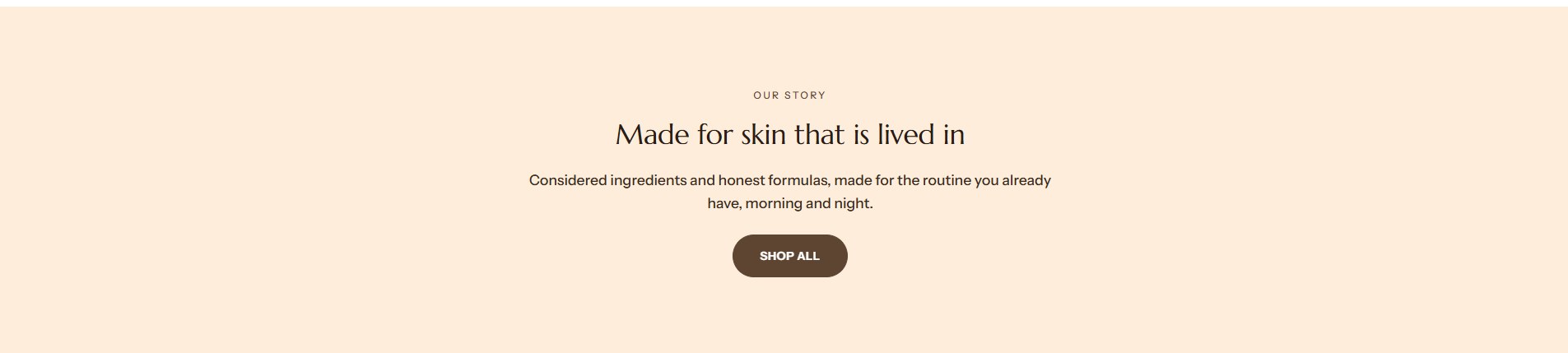
Rich text is a simple block of words: a small caption, a heading, one or more paragraphs and up to two buttons. Use it for an introduction, a statement or a call to action between other sections.
Find it in the editor
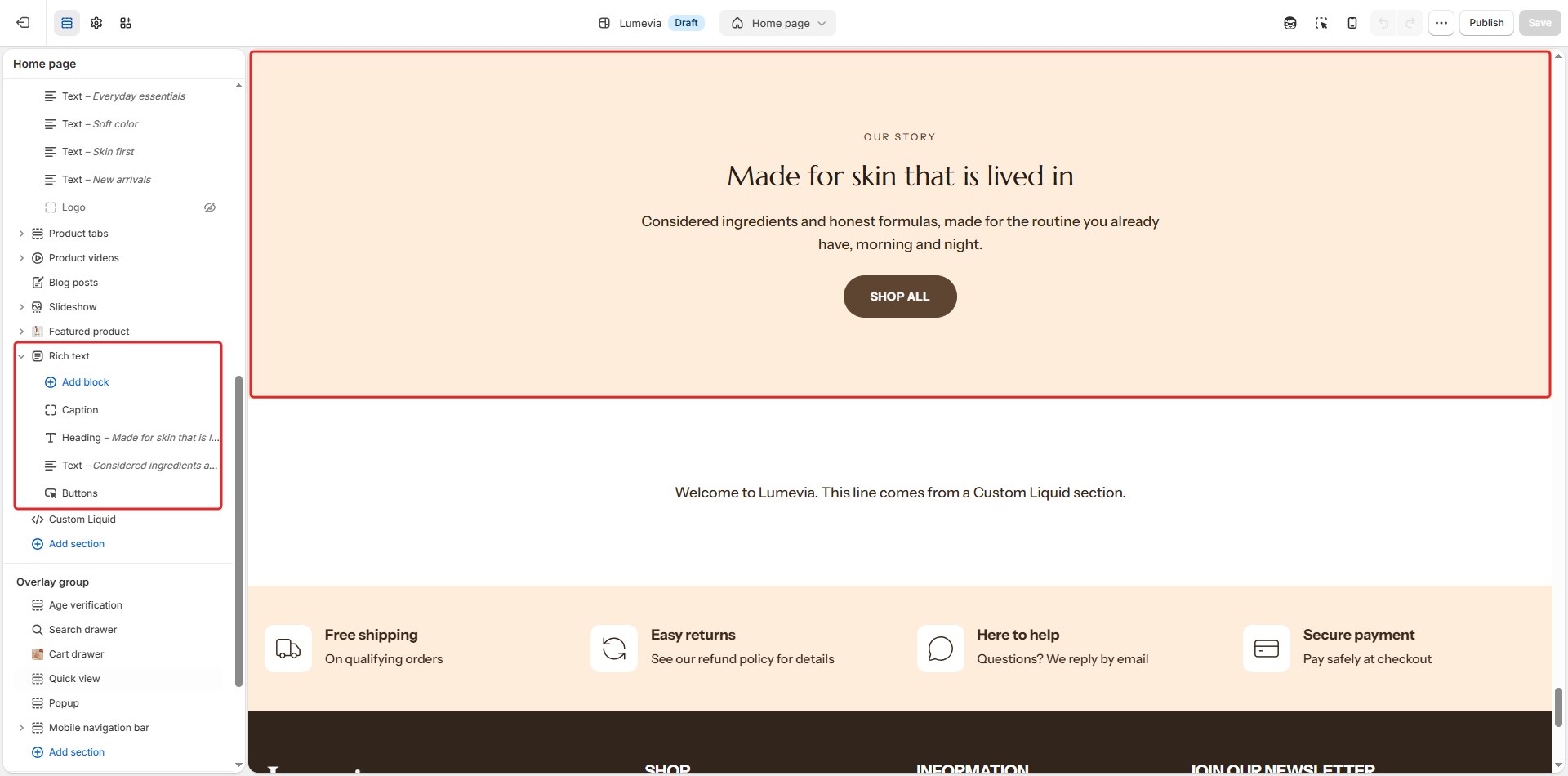
Click Add section and choose Rich text. Its parts are blocks: Caption, Heading, Text and Buttons.
Section settings
General

| Setting | Description |
|---|---|
| Color scheme | The colors of this section. Schemes are edited in Theme settings → Colors. |
| Text alignment | Left, Center or Right. |
| Content width | How wide the text may run: Narrow, Medium or Wide. |
| Heading size | Small, Medium or Large. |
| Full width | Lets the section use the full width of the screen instead of the page width. The text still keeps its Content width. |
Section spacing

| Setting | Description |
|---|---|
| Use custom spacing | Gives this section its own top and bottom spacing. Off, it uses Section spacing from Theme settings → Layout. |
| Top spacing | Space above the section (0–200px). Phones get 60% of it and tablets 80%. Shown when Use custom spacing is on. |
| Bottom spacing | Space below the section (0–200px). Phones get 60% of it and tablets 80%. Shown when Use custom spacing is on. |
Blocks
Add blocks with Add block under the section in the sidebar, and drag them into order.
Caption

| Setting | Description |
|---|---|
| Caption | A short line in small uppercase letters, usually above the heading. |
Heading

| Setting | Description |
|---|---|
| Heading | The heading. |
Text
| Setting | Description |
|---|---|
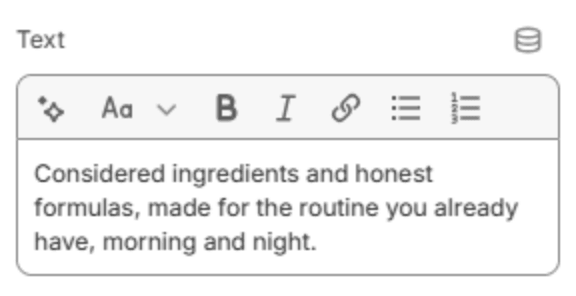
| Text | One or more paragraphs, with bold, italics and links. |
Buttons

| Setting | Description |
|---|---|
| First button label | The first button's text. Leave it empty to hide it. |
| First button link | The page it opens. Shown when it has a label. |
| First button style | Solid or Outlined. Shown when it has a label. |
| Second button label | The second button's text. Leave it empty to hide it. |
| Second button link | The page it opens. Shown when it has a label. |
| Second button style | Solid or Outlined. Shown when it has a label. |