Appearance
Statement collage
The statement collage says one thing, boldly: a large sentence with small pictures set between its words, framed by two photographs that drift gently as the page scrolls. Under the sentence sit a short text and a button. Use it to state what your brand stands for.

Find it in the editor
On the home page, it is in the Template list. To add it to any page, click Add section and choose Statement collage. The sentence is built from blocks: Text for its words and Image in the sentence for its pictures.

Section settings
General

| Setting | Description |
|---|---|
| Color scheme | The colors of this section. Schemes are edited in Theme settings → Colors. |
Layout
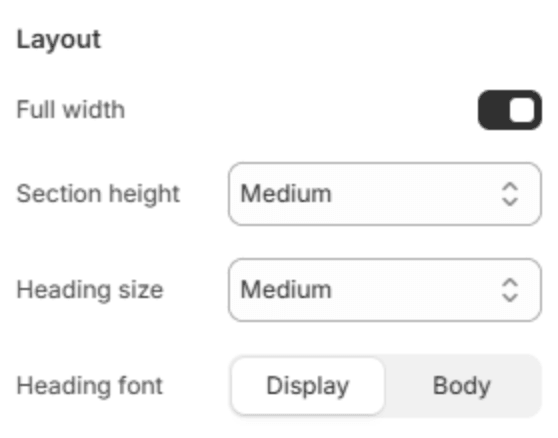
| Setting | Description |
|---|---|
| Full width | Runs the section from edge to edge instead of within the page width. |
| Section height | Small, Medium or Large. |
| Heading size | The size of the sentence: Small, Medium or Large. |
| Heading font | Display uses the heading font and Body the body font, both from Theme settings → Typography. |
Photographs
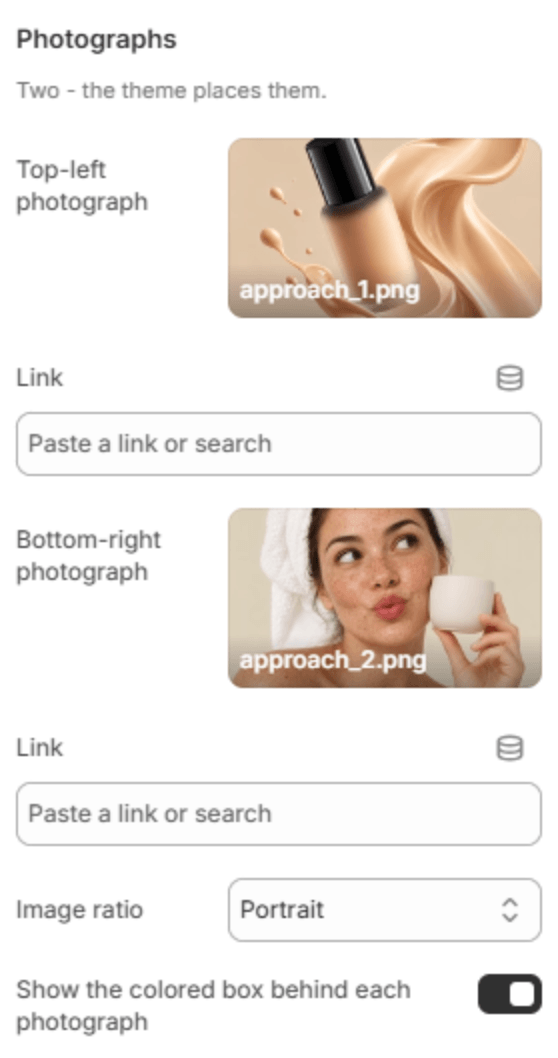
| Setting | Description |
|---|---|
| Top-left photograph | The photograph above the sentence, on the left. |
| Link | Makes the photograph a link. Shown when there is a photograph. |
| Link description | What the link opens, read out to customers who use a screen reader, for example Shop foundations. Shown when the photograph is a link. |
| Bottom-right photograph | The photograph below the sentence, on the right. |
| Link | Makes the second photograph a link. Shown when there is a photograph. |
| Link description | What the second link opens. Shown when the photograph is a link. |
| Image ratio | The shape of both photographs: Portrait, Square or Landscape. |
| Show the colored box behind each photograph | Sets each photograph on a tilted, colored card. |
Copy
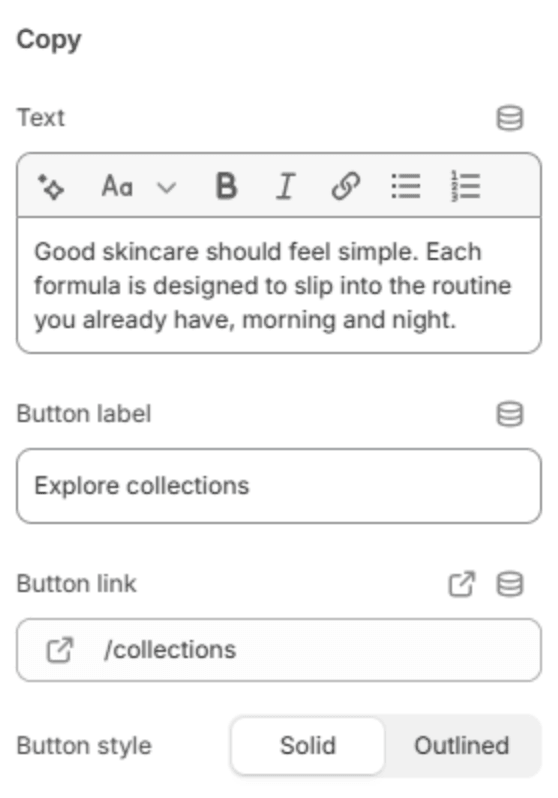
| Setting | Description |
|---|---|
| Text | A short text under the sentence. |
| Button label | The button's text. Leave it empty to hide the button. |
| Button link | The page it opens. Shown when it has a label. |
| Button style | Solid or Outlined. Shown when it has a label. |
Scroll effect
| Setting | Description |
|---|---|
| Effect strength | How far the photographs and shapes drift as the page scrolls: Subtle, Medium or Strong. The effect is off on phones. |
Decorative shapes
| Setting | Description |
|---|---|
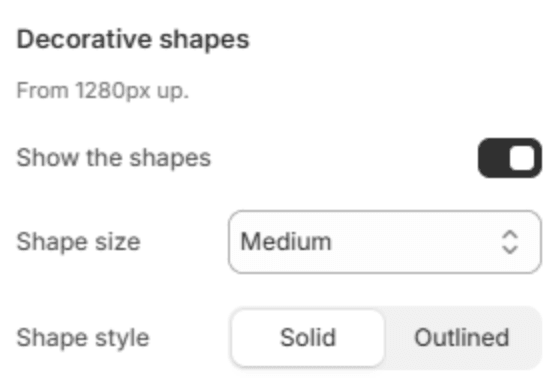
| Show the shapes | Adds small square shapes beside the photographs. |
| Shape size | Small, Medium or Large. Shown when the shapes are on. |
| Shape style | Solid or Outlined. Shown when the shapes are on. |
Section spacing

| Setting | Description |
|---|---|
| Use custom spacing | Gives this section its own top and bottom spacing. Off, it uses Section spacing from Theme settings → Layout. |
| Top spacing | Space above the section (0–200px). Phones get 60% of it and tablets 80%. Shown when Use custom spacing is on. |
| Bottom spacing | Space below the section (0–200px). Phones get 60% of it and tablets 80%. Shown when Use custom spacing is on. |
Blocks
The sentence is read in the order of its blocks, so a few words, then a picture, then more words. Add them with Add block under the section in the sidebar, and drag them into place.
Text
A run of words in the sentence.

| Setting | Description |
|---|---|
| Text | The words. |
| Style | Normal; Highlighted, on a soft band of color; Accent, in italics; or Muted, lighter than the rest. |
Image in the sentence
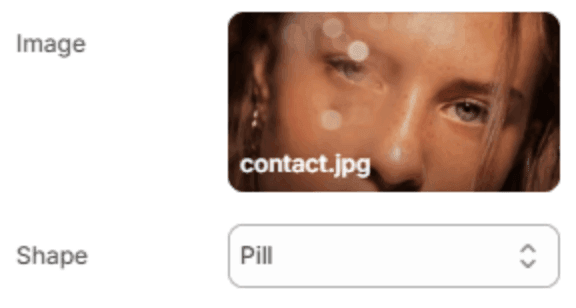
A small picture between the words.
| Setting | Description |
|---|---|
| Image | The picture. |
| Shape | Pill, Rounded, Circle or Square. |