Appearance
Popup
The popup opens over the page to collect email sign-ups or to announce a promotion. You choose when it opens, how often a customer sees it, and on which pages. It never opens over another open panel, such as the cart drawer.
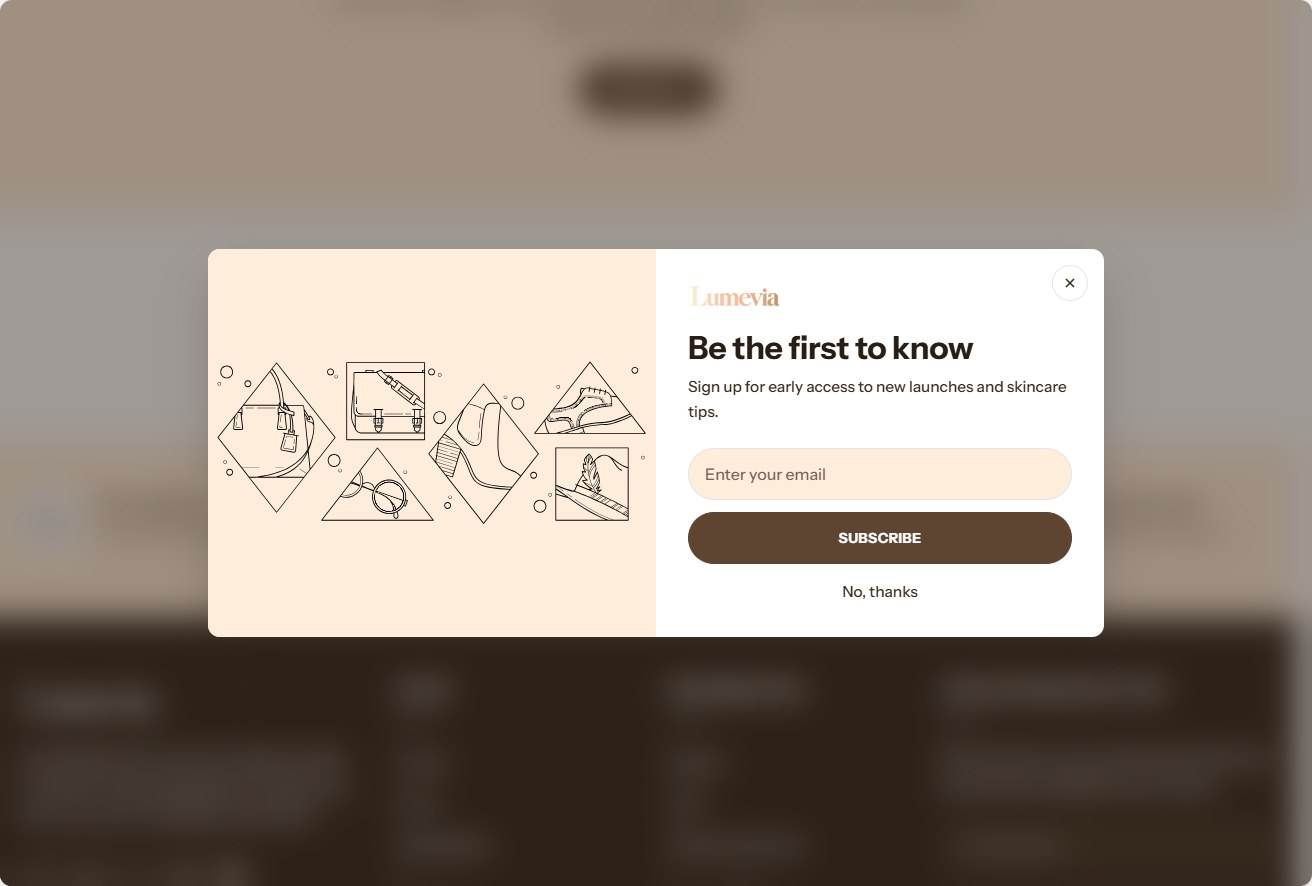
The popup is off until you turn it on with Enable.
Find it in the editor
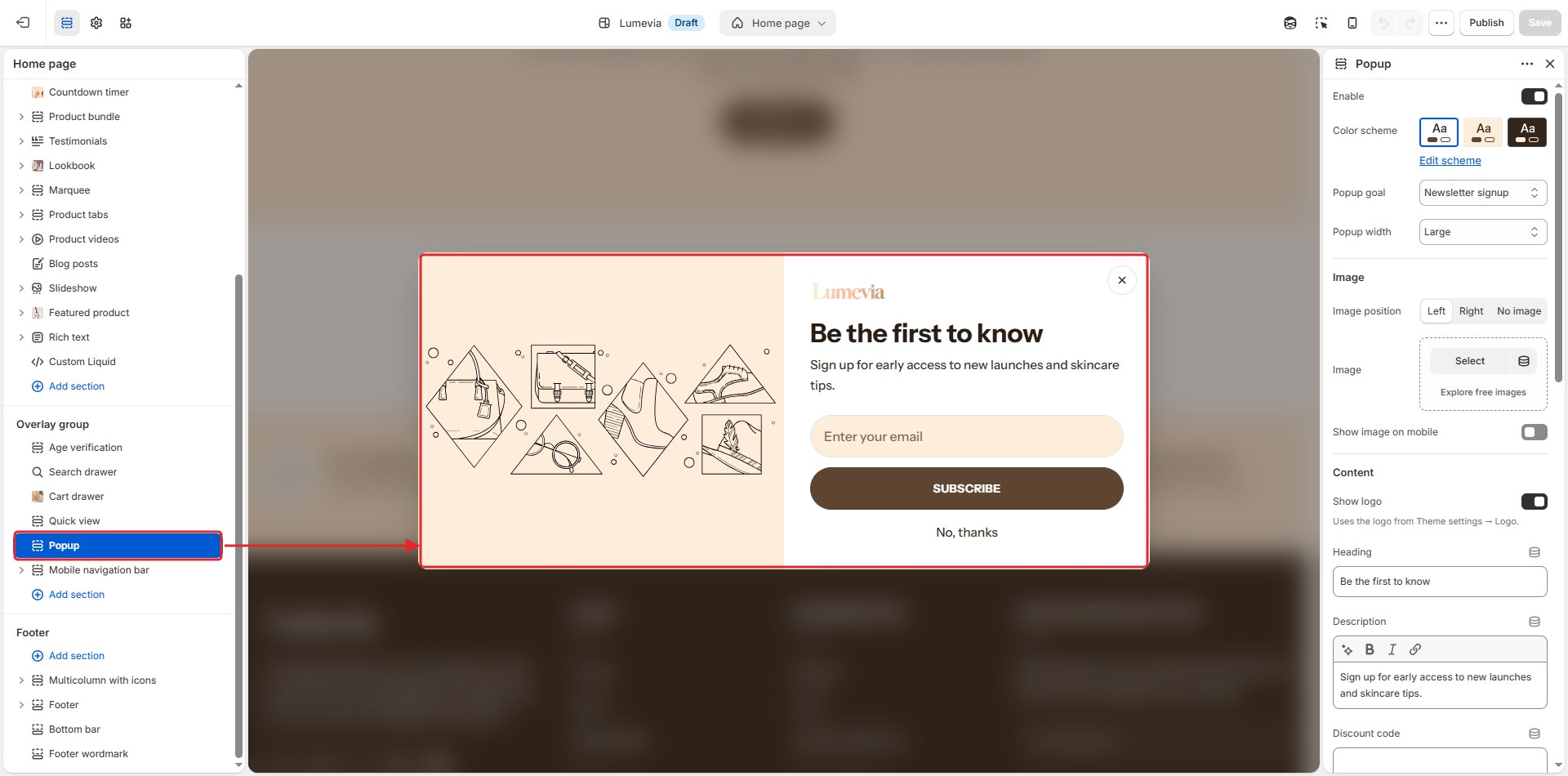
The popup is in the Overlay group in the sidebar. Click it to open the popup in the preview while you edit it.
Section settings
General
| Setting | Description |
|---|---|
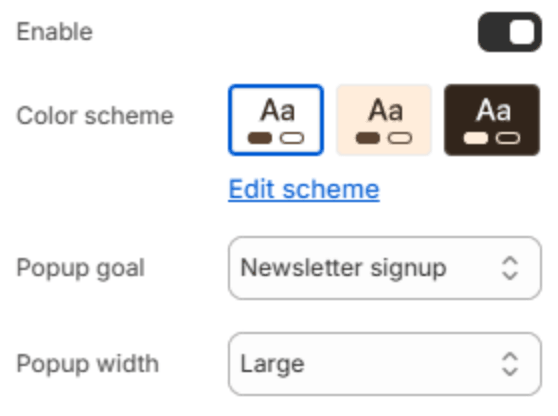
| Enable | Turns the popup on for your customers. |
| Color scheme | The colors of the popup. Schemes are edited in Theme settings → Colors. |
| Popup goal | Newsletter signup shows an email form; Promotion shows a button that links to a page. |
| Popup width | Small, Medium or Large. |
Image
| Setting | Description |
|---|---|
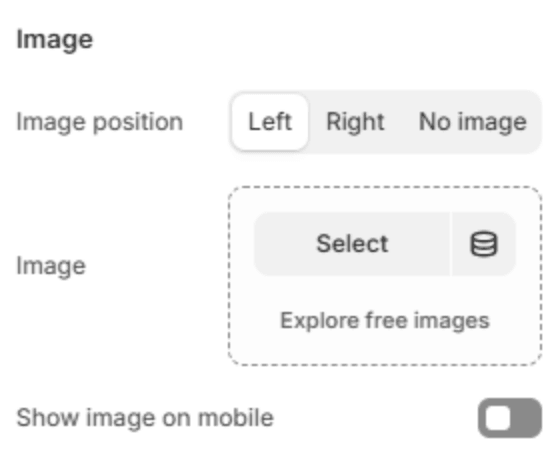
| Image position | Puts the picture on the Left or Right, or leaves it out with No image. |
| Image | The picture. Shown when an image position is chosen. |
| Show image on mobile | Shows the picture on phones too, above the text. Off, phones get a shorter popup with text only. |
Content
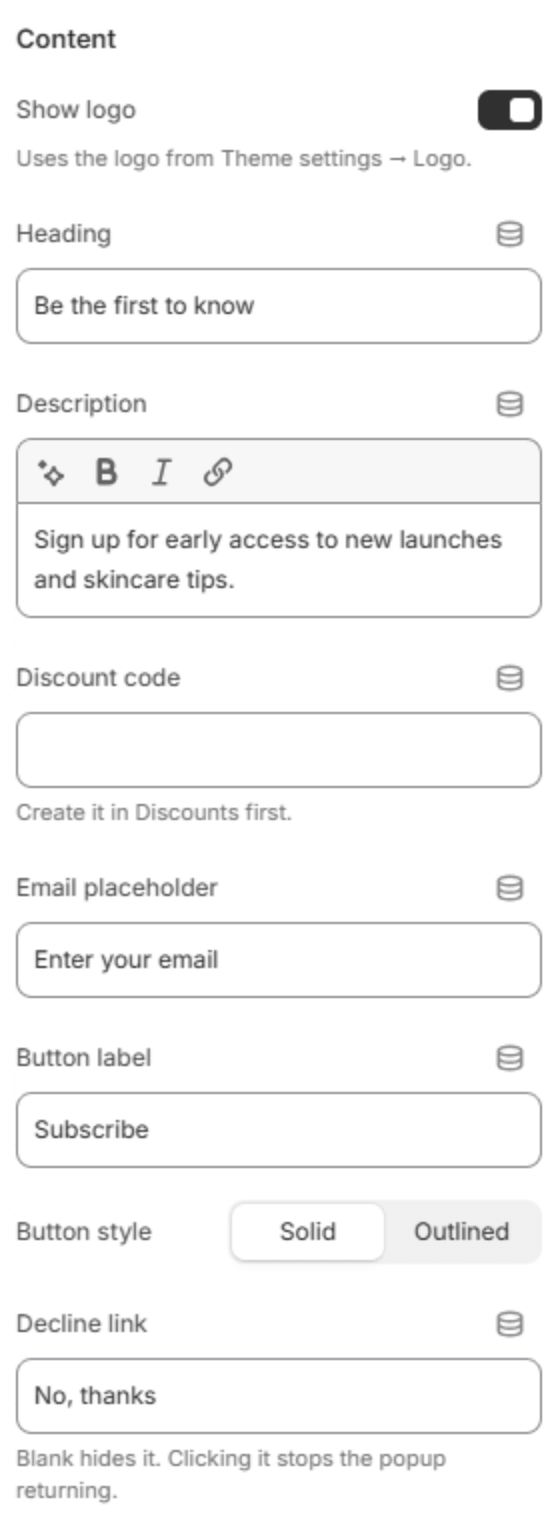
| Setting | Description |
|---|---|
| Show logo | Shows your logo from Theme settings → Logo and branding above the heading. |
| Heading | The popup's heading. |
| Description | A line or two under the heading. |
| Discount code | A code to give away, with a copy button. With Newsletter signup it is revealed after the customer signs up; with Promotion it shows straight away. Create the code first in the Shopify admin under Discounts. |
| Email placeholder | The hint inside the email field. Shown when Popup goal is Newsletter signup. |
| Button label | The button's text. |
| Button link | The page the button opens. Shown when Popup goal is Promotion. |
| Button style | Solid or Outlined. |
| Decline link | A small "No, thanks" link. Clicking it closes the popup and keeps it from coming back. Leave it blank to hide it. |
After signup
These settings show when Popup goal is Newsletter signup.
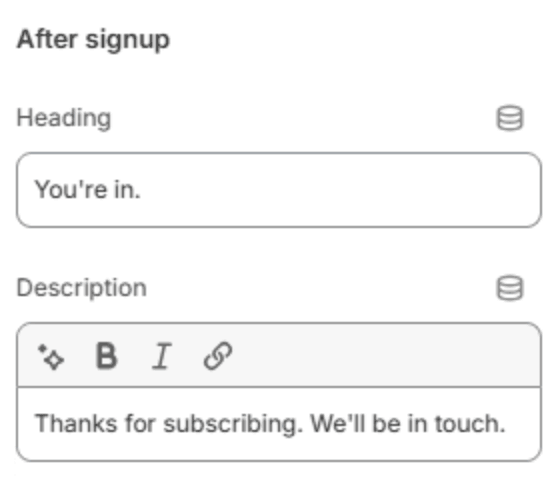
| Setting | Description |
|---|---|
| Heading | The heading the customer sees once they have signed up. |
| Description | A line under it, for example asking them to confirm their email. |
Behavior
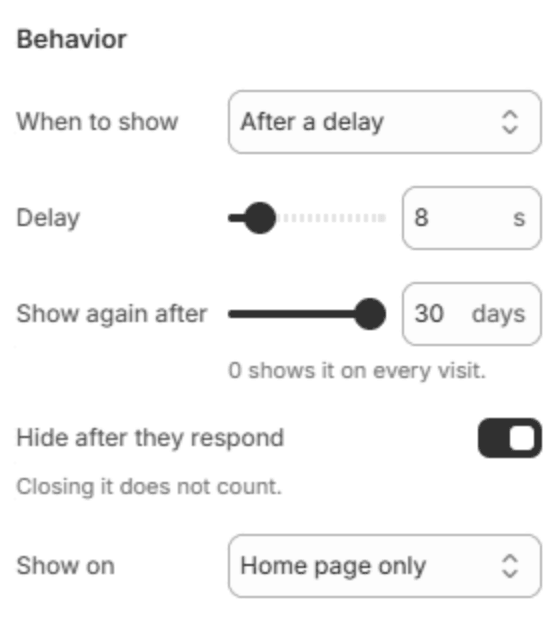
| Setting | Description |
|---|---|
| When to show | After a delay on the page, After scrolling part of the way down, or On exit intent, when the pointer heads for the top of the window to leave. Exit intent needs a mouse; on touch screens the delay is used instead. |
| Delay | How many seconds to wait (0–60s). Shown unless When to show is After scrolling. |
| Scroll depth | How far down the page the customer scrolls before it opens (5–100%). Shown when When to show is After scrolling. |
| Show again after | How many days before a customer who has seen it sees it again (0–30 days). 0 shows it on every visit. |
| Hide after they respond | Stops the popup for a customer who has signed up or clicked the button. Simply closing it doesn't count. |
| Show on | All pages, Home page only, or All pages except cart. |
Note
Email addresses from the popup are saved to your customers in the Shopify admin, marked as subscribed to email marketing. To send them a welcome email, set up an automation in Shopify Email or your email app.
Note
In the theme editor the popup opens whenever you select it, whatever its behavior settings, so you can design it.