Appearance
Testimonials
Testimonials shows what your customers say: each quote on its own card, with the customer's photo, name and star rating. The cards sit in a carousel, gently tilted, and straighten as they come to the middle.
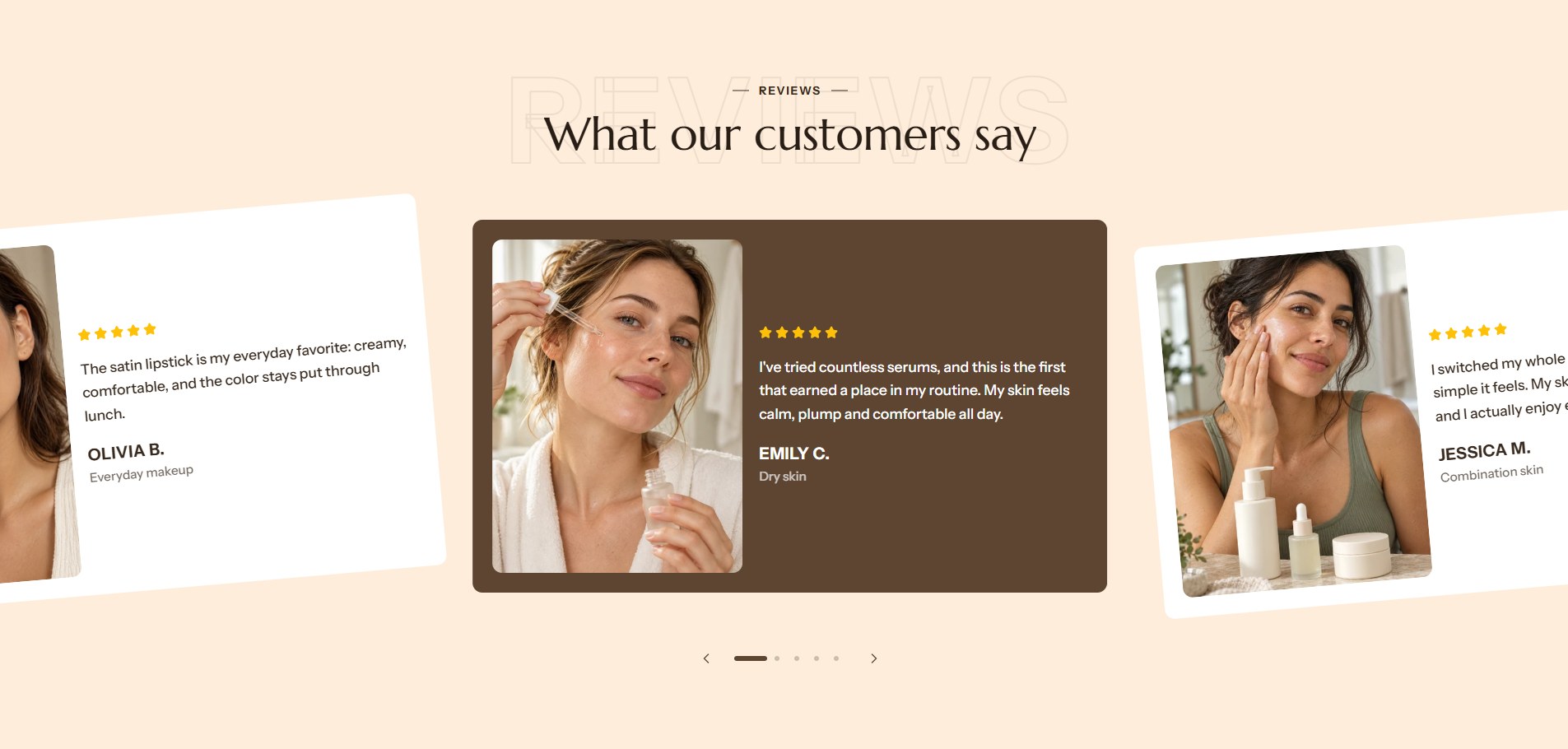
Find it in the editor
On the home page, it is in the Template list. To add it to any page, click Add section and choose Testimonials. Each quote is a Testimonial block inside it.

Section settings
General

| Setting | Description |
|---|---|
| Color scheme | The colors of this section. Schemes are edited in Theme settings → Colors. |
Layout
| Setting | Description |
|---|---|
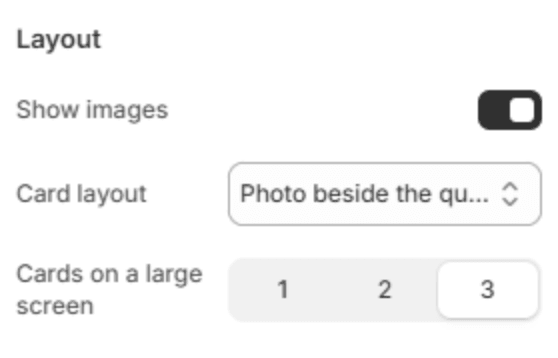
| Show images | Shows each customer's photo. Turn it off for quote-only cards. |
| Card layout | Photo beside the quote or Photo above the quote. With Photo beside the quote, phones show the photo as a small square above the quote, so a face is never cropped to a strip. Shown when images are on. |
| Cards on a large screen | How many cards show at once: 1, 2 or 3. Phones show one card with part of the next. |
Section header
| Setting | Description |
|---|---|
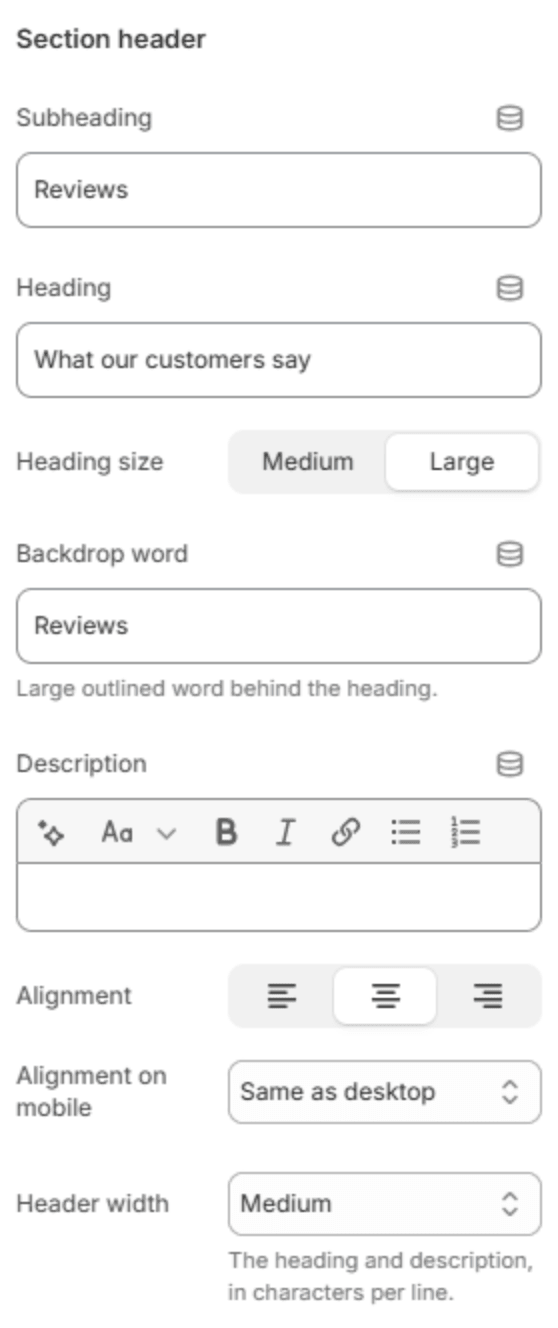
| Subheading | A short line above the heading, with a small dash beside it. |
| Heading | The heading. Leave it empty to hide it. |
| Heading size | Medium or Large. Shown when the heading has text. |
| Backdrop word | A large outlined word behind the heading. One short word works best; it sizes itself to fit. |
| Description | A short text under the heading. |
| Alignment | Aligns the header to the left, center or right. |
| Alignment on mobile | The alignment below 768px. Same as desktop keeps the alignment above. |
| Header width | How wide the heading and description may run: Narrow, Medium, Wide or Full width. |
Cards
| Setting | Description |
|---|---|
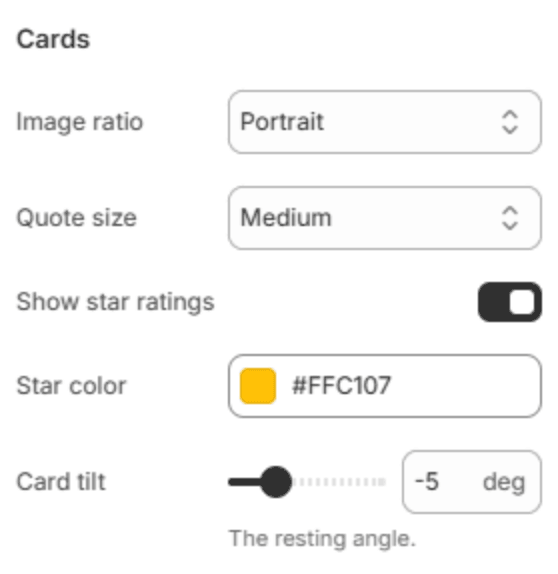
| Image ratio | The shape of the photos: Portrait, Square or Landscape. Shown when images are on. |
| Quote size | Small, Medium or Large. |
| Show star ratings | Shows each customer's star rating above the quote. |
| Star color | The color of the stars. |
| Card tilt | How far the cards lean while they wait at the sides (-10 to 10 degrees). 0 keeps them straight. |
Carousel
| Setting | Description |
|---|---|
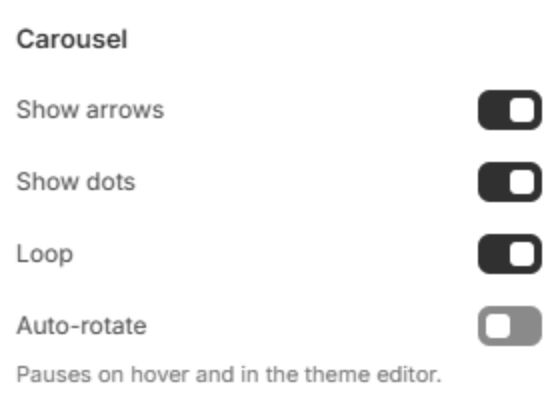
| Show arrows | Shows the previous and next arrows. |
| Show dots | Shows a row of dots under the carousel, one for each position. |
| Loop | After the last card, continues with the first. It takes at least seven testimonials when Cards on a large screen is 3, five when it is 2 and four when it is 1; with fewer, the carousel stops at each end, and the editor reminds you. |
| Auto-rotate | Moves to the next card on its own. It pauses while the pointer is over it, and stays still in the theme editor and for visitors who prefer reduced motion. |
| Change slide every | How many seconds each card stays (2–12s). Shown when Auto-rotate is on. |
Section spacing

| Setting | Description |
|---|---|
| Use custom spacing | Gives this section its own top and bottom spacing. Off, it uses Section spacing from Theme settings → Layout. |
| Top spacing | Space above the section (0–200px). Phones get 60% of it and tablets 80%. Shown when Use custom spacing is on. |
| Bottom spacing | Space below the section (0–200px). Phones get 60% of it and tablets 80%. Shown when Use custom spacing is on. |
Blocks
Testimonial
One quote. Add quotes with Add Testimonial under the section in the sidebar, and drag them to change their order.
| Setting | Description |
|---|---|
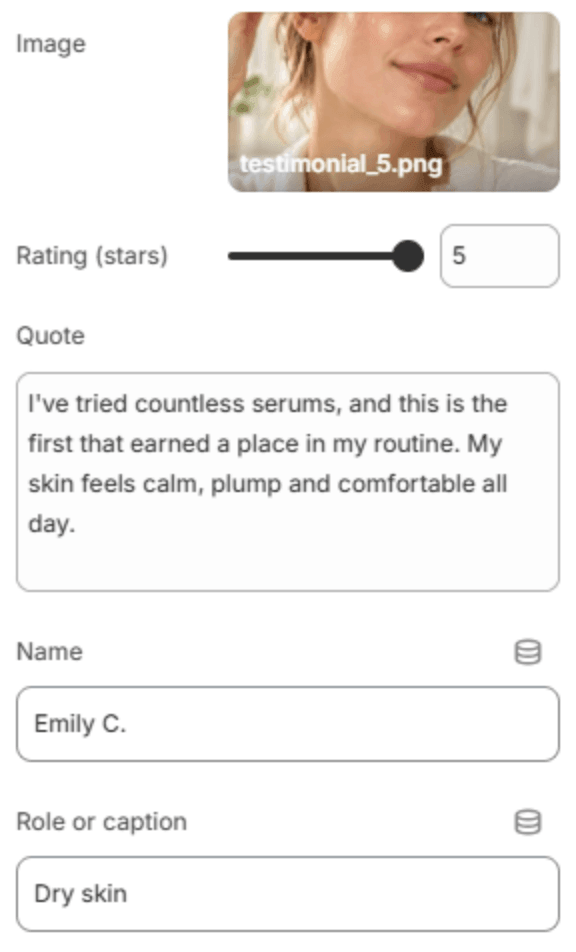
| Image | The customer's photo, or a photo of the product they used. |
| Rating (stars) | The customer's rating (1–5 stars). |
| Quote | What the customer said. |
| Name | The customer's name, for example Emily C. |
| Role or caption | A short line under the name, such as their skin type or the product they bought. |
Note
Loop needs enough cards to fill the carousel on both sides: at least 4 cards for one on a large screen, 5 for two, and 7 for three. With fewer, the carousel shows fewer cards at once, and the editor tells you how many more to add.
Important
Only publish real testimonials, from customers who have agreed to them. Many countries have rules against invented reviews.